

Pause account
To pause your account (and cancel the current subscription), visit the Settings > Account page and click the Pause Account button in the list of options.
To pause your account (and cancel the current subscription), visit the Settings > Account page and click the Pause Account button in the list of options.

After clicking Pause Account, you'll be shown an overview explaining the impact of canceling your subscription. You can cancel your subscription to stop future renewals while your paid features stay active until the end of your current billing term.
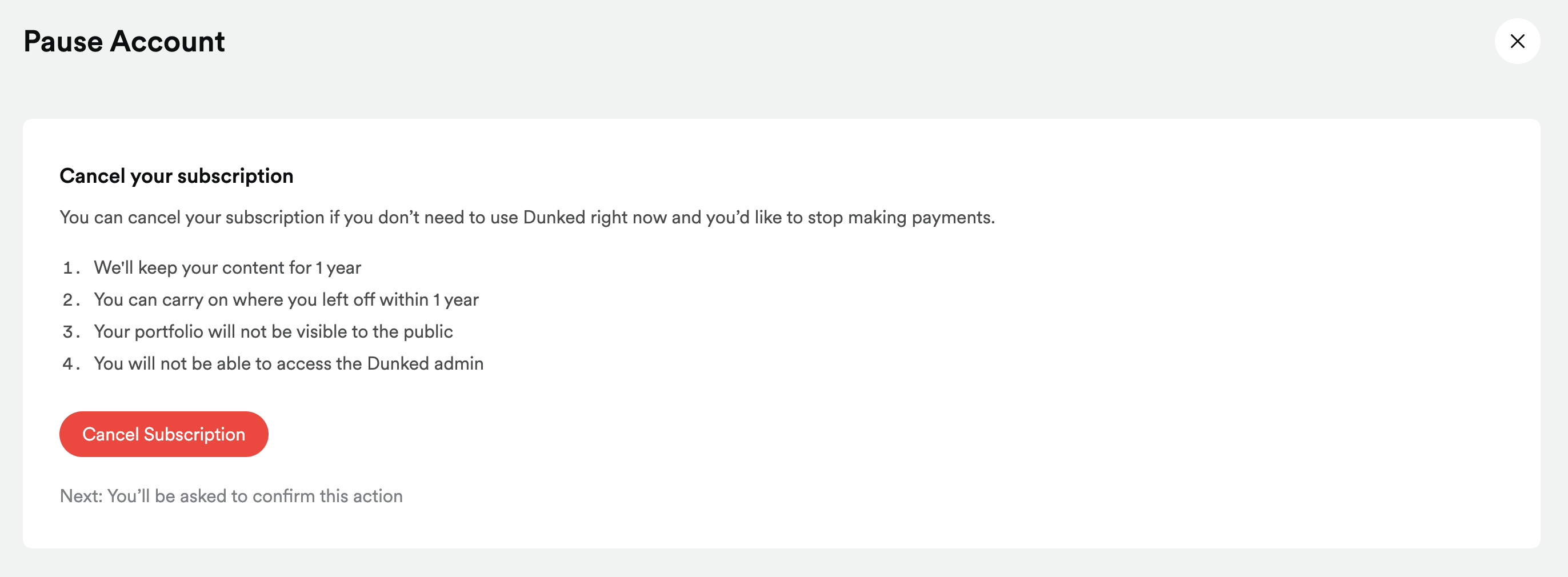
Once you confirm, we'll cancel your subscription:
- Your plan stays active until your current paid term ends
- You will not be charged again after the current term
- At term end, your account moves to trial access
- We'll keep your content for 1 year after term end